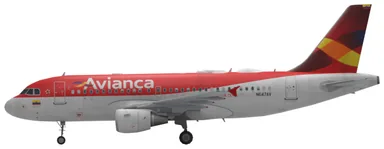
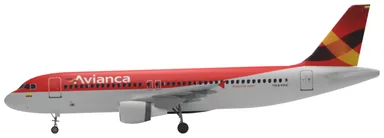
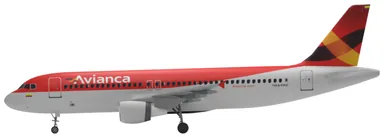
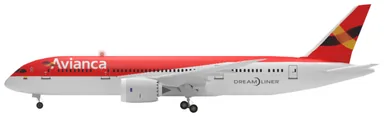
Avianca aircraft and seat maps
Choose your aircraft to explore the Avianca seat maps listed below.
Frequently asked questions
How can I choose an Avianca seat?
Choose when booking at avianca.com, through Manage your booking or during online check-in. Sales offices, the contact centre, travel agencies and airport counters can also arrange seats. If your fare does not include selection, buy it as an additional service. Avianca offers Business, Plus, Economy and exit-row options, depending on the aircraft; ATR 72-600 flights have Economy seats only.
Who can occupy an Avianca emergency exit seat?
You must be over 15, be able to speak, read and understand both English and Spanish, and be physically able to help during an evacuation. You must not be pregnant, travel with a baby under two, or have requested special assistance. Choose another seat if you cannot meet these requirements.
What cabin baggage does Avianca include?
Every fare includes one under-seat personal item up to 45 × 35 × 20 cm. An overhead carry-on must be within 55 × 35 × 25 cm, including wheels and handles, and weigh no more than 10 kg. It is an extra purchase with Basic; check the fare inclusions for your route. Limited cabin space or operational requirements can mean the carry-on is placed in the hold.