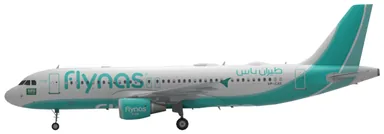
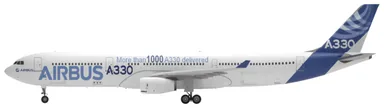
Flynas aircraft and seat maps
Choose your aircraft to explore the Flynas seat maps listed below.
Frequently asked questions
How can I select a seat on Flynas?
Choose a seat while booking or add one through Manage Booking, the contact center or a sales office. Availability, prices and options depend on the route and aircraft. A selected seat can still change for operational, safety or security reasons; reserving it does not remove the requirement to check in on time.
Who cannot sit in a Flynas exit row?
Flynas excludes passengers under 15, pregnant passengers, elderly or frail passengers, people with relevant medical or special-assistance needs, and anyone unable to help in an emergency. Its seat-selection page also excludes adults travelling with infants or children. Crew can move a passenger who does not meet the requirements; the conditions say no refund is given after boarding for such a reassignment.
What cabin baggage can I take on Flynas?
The published allowance is one bag up to 7 kg and 56 × 36 × 23 cm. Additional pieces are chargeable. A bag exceeding the size or weight limit must travel in the hold, with excess charges if it takes you above your checked allowance. Infants have no cabin-baggage entitlement under this policy.