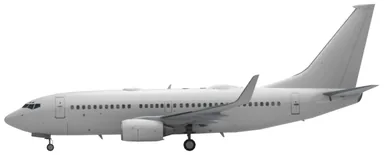
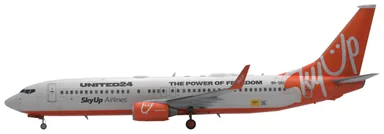
SkyUp MT aircraft and seat maps
Choose your aircraft to explore the SkyUp MT seat maps listed below.
Frequently asked questions
Can I choose a seat on a scheduled SkyUp MT flight?
Just Fly assigns a seat automatically at check-in unless you buy selection. Fly & Smile includes available seats except the first five rows and emergency exits; Fly & Celebrate includes selection across the cabin, subject to eligibility and availability. Add paid selection during booking or through your account; online additional services close four hours before departure. Assignments can change for technical or safety reasons.
Does SkyUp MT seat families together?
For scheduled bookings on Fly & Smile or Fly & Celebrate, SkyUp says family members are seated together automatically without an additional charge at online or airport check-in. Just Fly uses random assignment; sitting together can be purchased during online check-in or at the airport, subject to availability.
How should I request mobility assistance on SkyUp MT?
Send the airline an assistance request at least 48 hours before departure, directly or through your agent. Up to two mobility devices can be carried, subject to aircraft space and dangerous-goods requirements. An accompanying helper is seated beside the passenger needing assistance. Follow the arrival time communicated by the airline; if none is given, report to the designated airport assistance point at least two hours before departure.
How much cabin baggage is included on SkyUp MT?
On scheduled flights, Just Fly includes one 9 kg bag measuring 40 × 30 × 20 cm. Fly & Smile includes one 9 kg bag measuring 55 × 40 × 20 cm; Fly & Celebrate includes both sizes, each up to 9 kg. The published Standard charter allowance is one 9 kg bag measuring 40 × 30 × 20 cm. Extra personal items must fit inside the permitted bags or be paid for separately. Lap infants receive one 5 kg cabin bag measuring 40 × 30 × 20 cm.